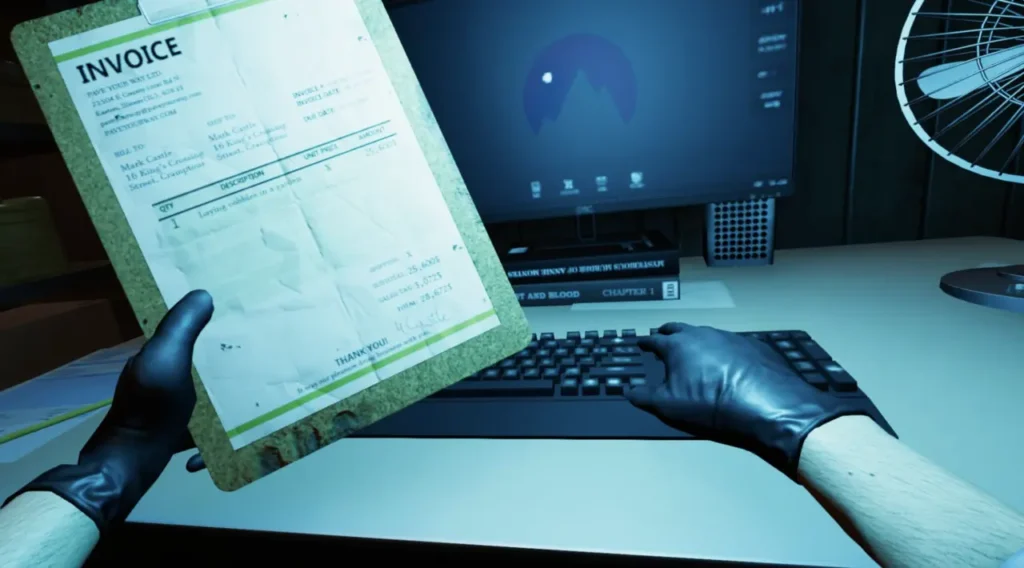
If you’re just starting your journey in Crime Scene Cleaner, knowing the full list of controls and key bindings can make every cleanup job much smoother. In this guide, I cover all essential keyboard shortcuts, from basic movement and interaction controls to Cleaner Sense, flashlight usage, tool management, music access and skill tree navigation.
Crime Scene Cleaner Controls and Key Bindings
For those who are new to Crime Scene Cleaner, I have listed controls and the key combinations in this guide.
Key Bindings for beginners:
- Move Forward : W
- Move Backward : S
- Move Left : A
- Move Right : D
- Interact ○ E
- Cleaner Sense : Q
- Toggle Flashlight : F
- Enter Photo Mode : R
- Crouch : Left Control
- Jump : Spacebar
- Sprint : Left Shift
- Open Music : M
- Open Codex : T
- Open Skill Tree : C
- Tool Wheel : Tab
- Select Hands ○ 1
- Select Tool 1 ○ 2
- Select Tool 2 ○ 3
- Select Tool 3 ○ 4
- Select Tool 4 ○ 5
- Select Tool 5 ○ 6
- Select Tool 6 ○ 7
- Select Tool 7 ○ 8
- Select Tool 8 ○ 9