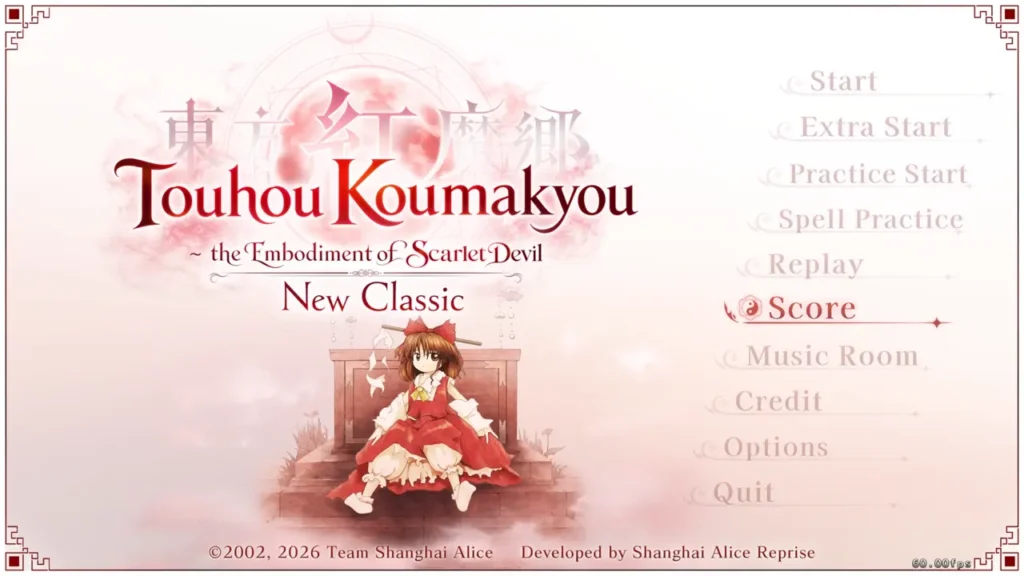
In Touhou Koumakyou: New Classic – the Embodiment of Scarlet Devil, I can access the Extra Stage by entering the classiclager cheat code from the Lunatic records screen. In this guide, I show exactly how I enter the code and start the Extra Stage from the main menu.
How to Unlock the Extra Stage in Touhou Koumakyou: New Classic
The process only takes a few menu steps. I open the Score menu, enter the Lunatic records screen, type the cheat code, and then return to the main menu to select Extra Start.
Information and System Requirements:
- Estimated time: ~15 minutes
- Requires a 64-bit processor and operating system
- OS: Windows 10 / 11 64-bit
- Processor: Core i5 8350U
- Memory: 4 GB RAM
- Graphics: UHD Graphics 620
- DirectX: Version 11
- Storage: 1 GB available space
Step 1: Open the Score Menu
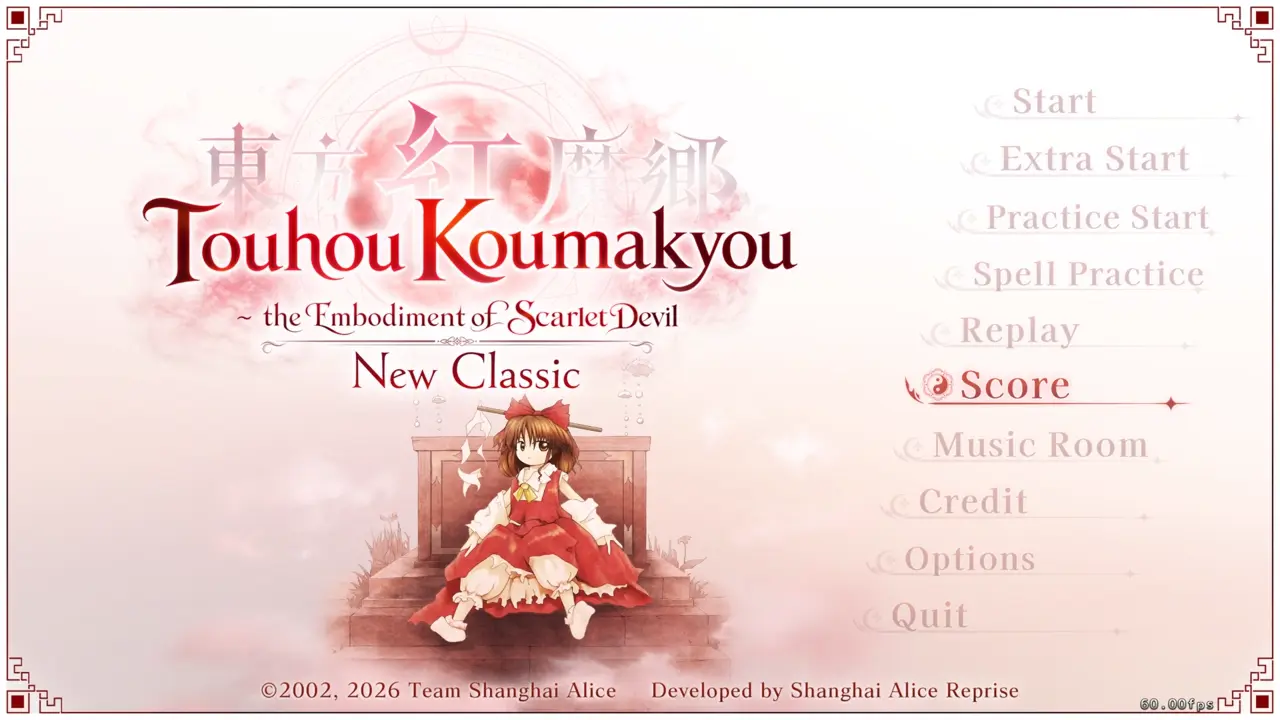
I launch the game and use the arrow keys to navigate to Score on the main menu. Once Score is selected, I press Enter.
Step 2: Select Lunatic View Records
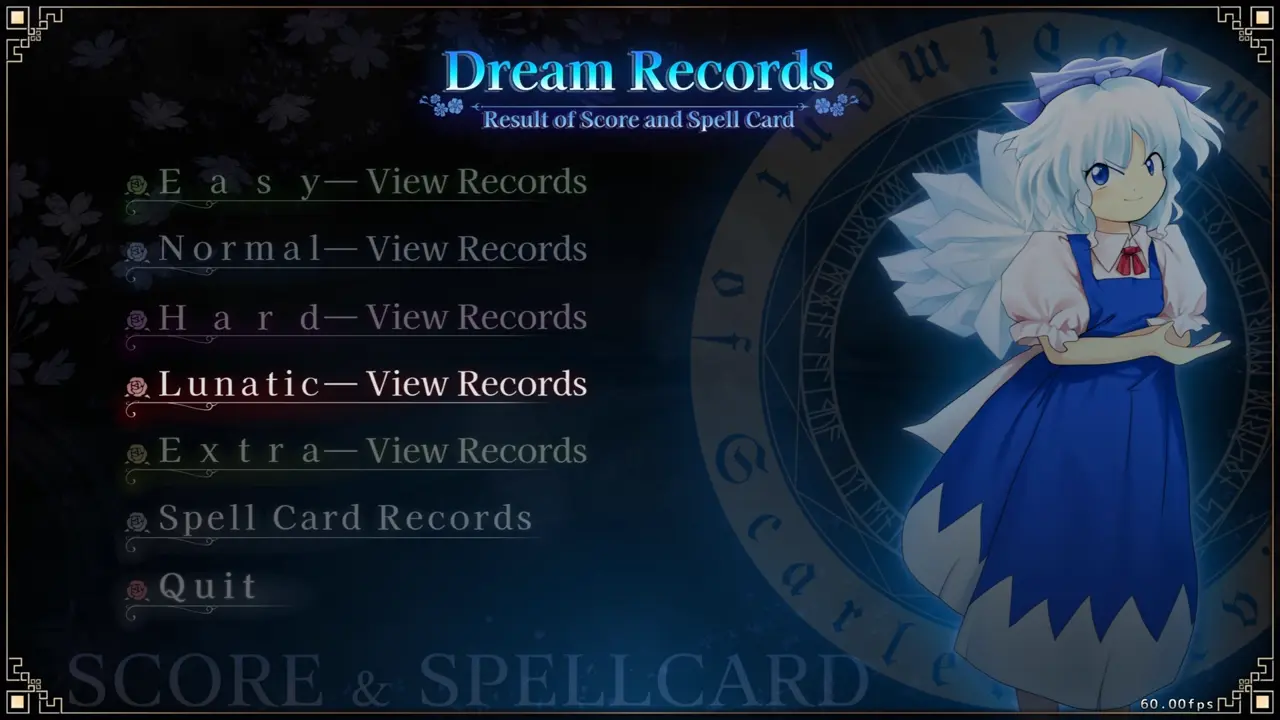
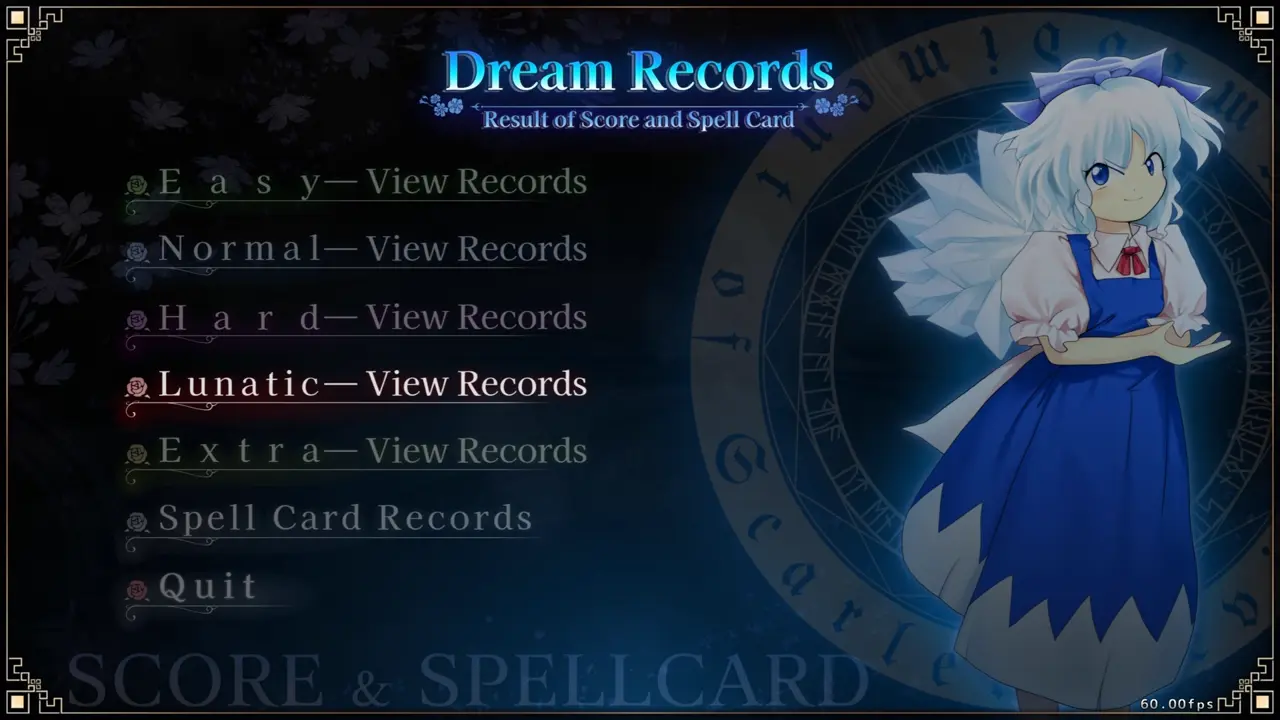
On the Dream Records screen, I use the arrow keys to scroll down to Lunatic — View Records. I then press Enter to open the Lunatic record screen.
Step 3: Enter the classiclager Cheat Code
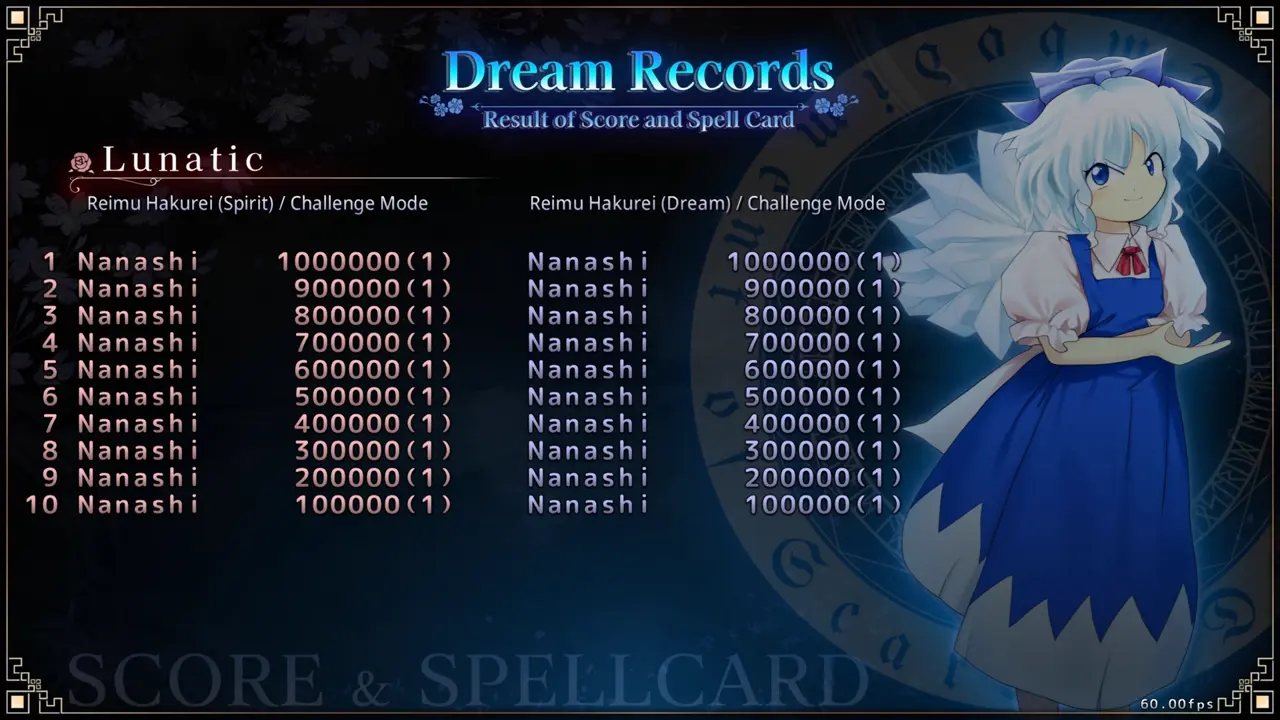
While I am on the Lunatic record screen, I type classiclager. When the code is entered correctly, I hear a 1up sound.
Step 4: Start the Extra Stage
After entering the code, I press Escape to return to the Dream Records screen. I use the arrow keys to select Quit and press Enter to return to the main menu.
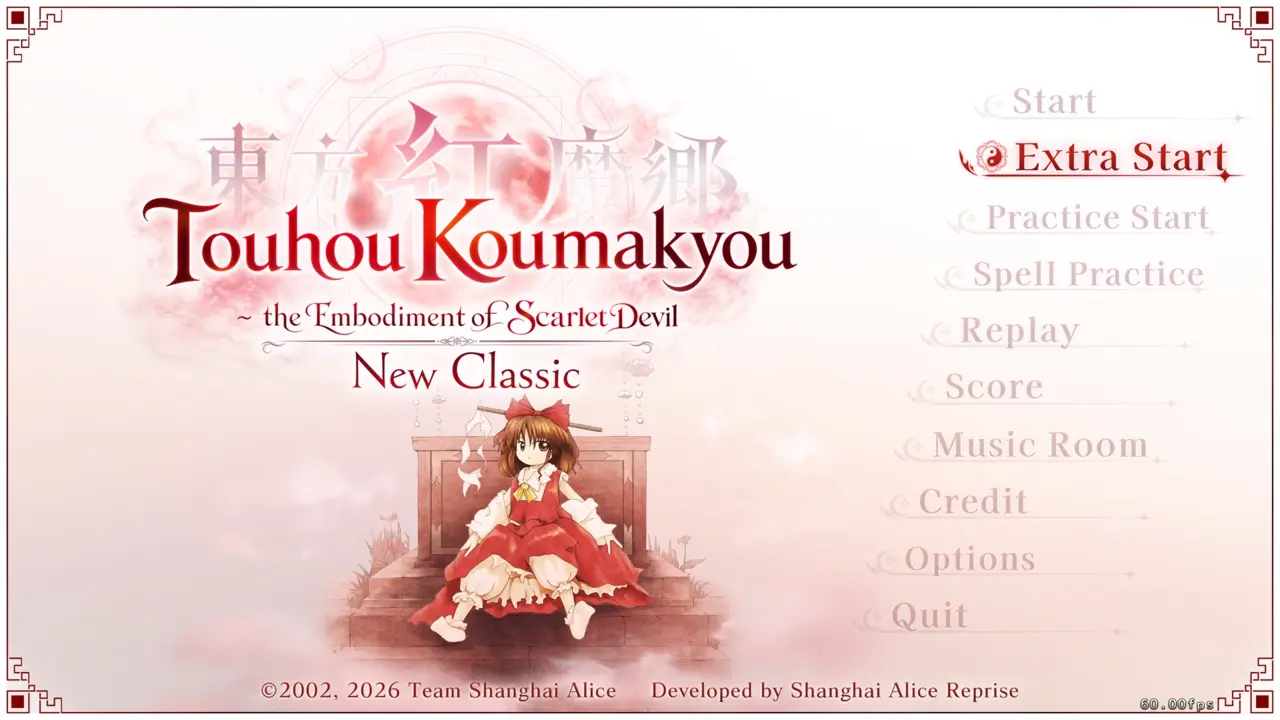
From the main menu, I use the arrow keys to select Extra Start and press Enter. This begins the Extra Stage.
Step 5: Start Playing the Extra Stage
After selecting Extra Start, I can begin playing the Extra Stage.