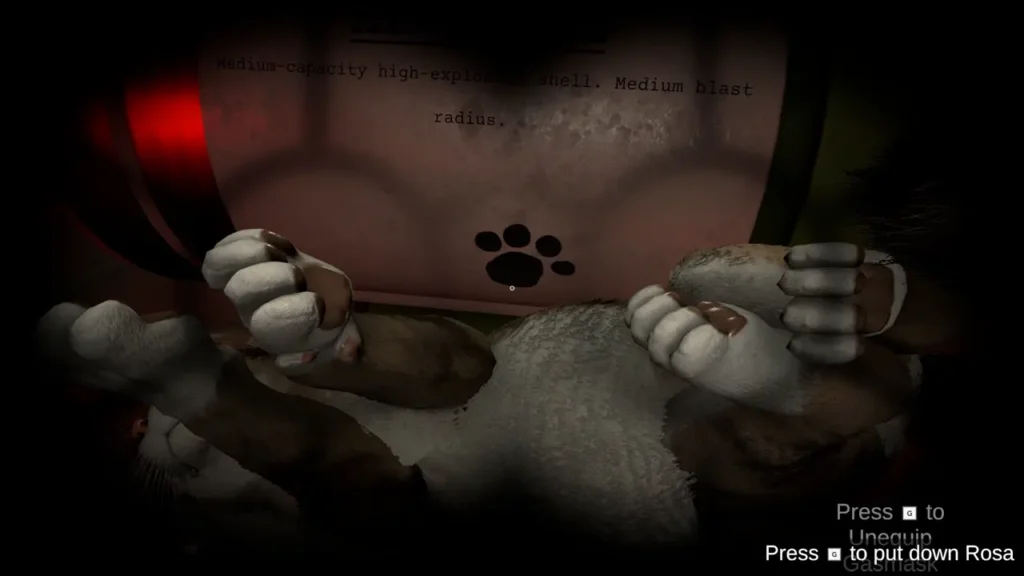
In IRON NEST: Heavy Turret Simulator, I can enable, customize, find, and interact with the cat living inside the Iron Nest. In this cat guide, I explain where I find the cat settings, how I customize its appearance, how I bring it back when I cannot find it, and which controls I use to pick it up or move it out of the way.

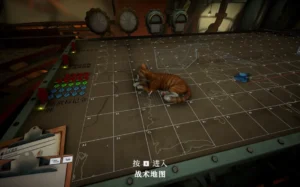
Cat Guide
The cat is available through the game’s options and can freely move around different parts of the Iron Nest. I can also customize its appearance and decide whether it is allowed to explore the upper areas.
How to Enable the Cat in IRON NEST
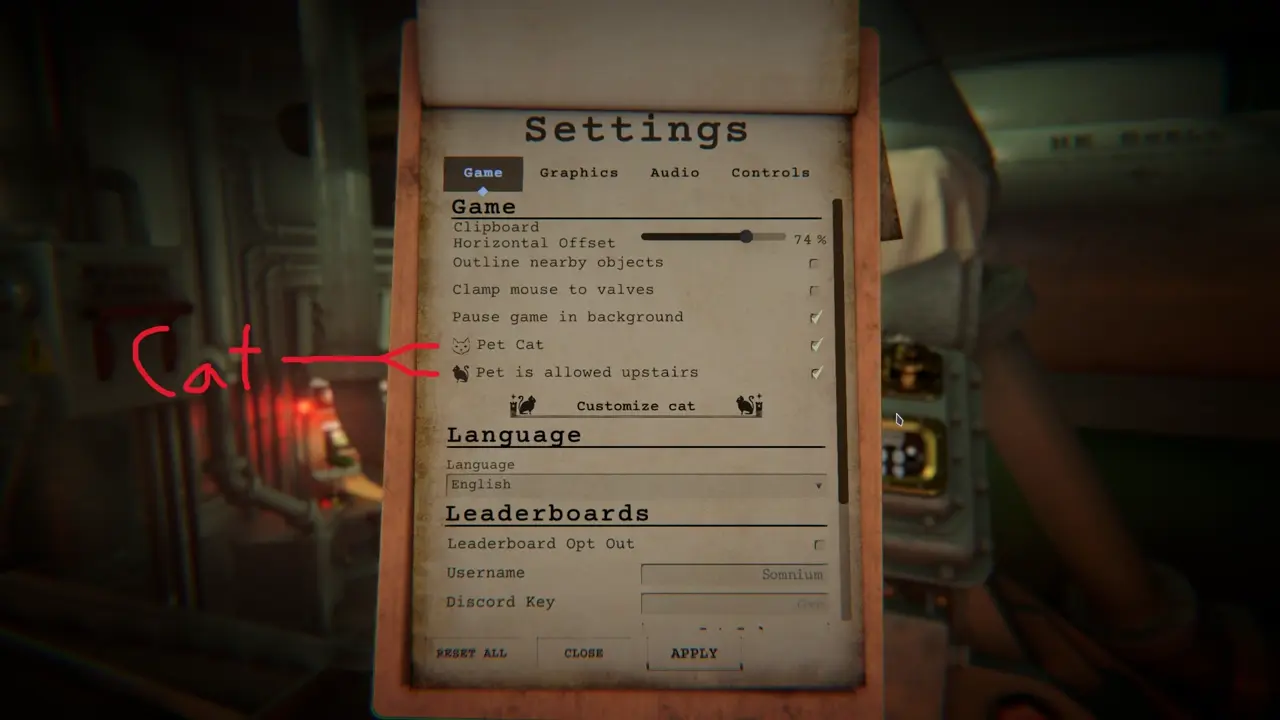
When I start the game, I press Esc to open the clipboard and then select Options. The cat should already be enabled by default.
In the same section, I can use the available checkbox to allow the cat to go upstairs. If I leave this option disabled, its movement remains limited to the lower area.
How to Customize the Cat
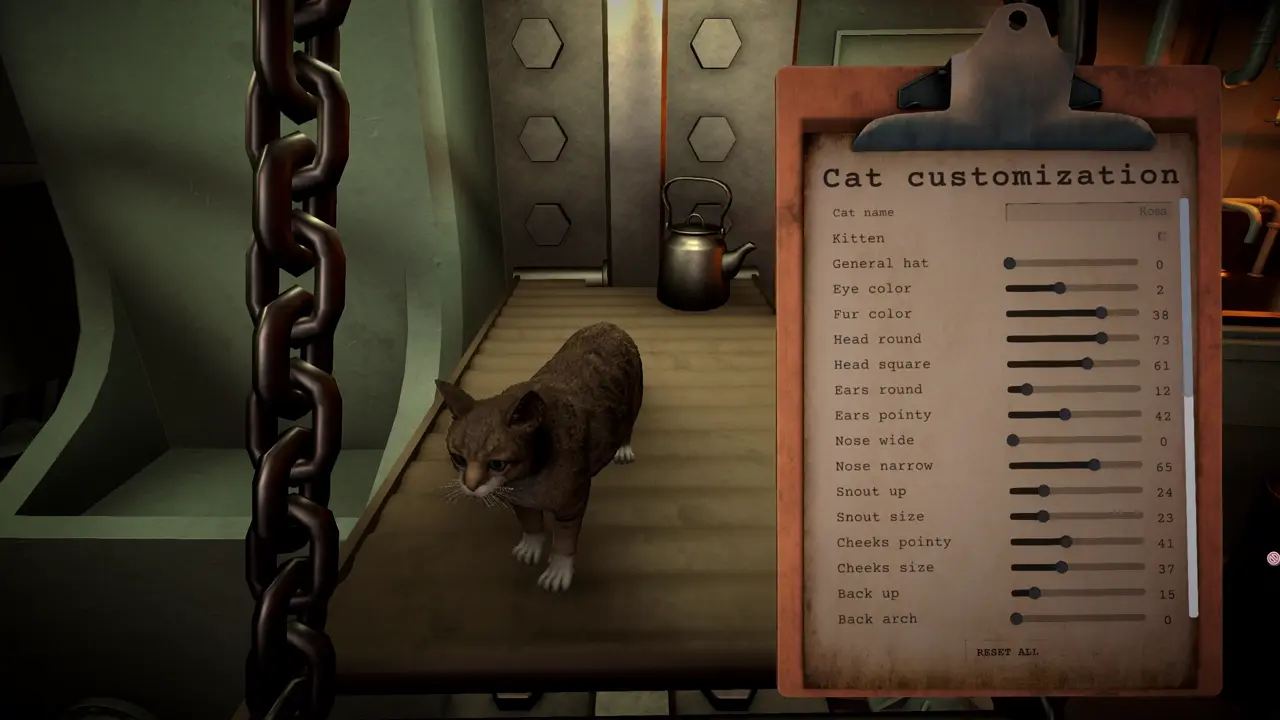
I can customize the cat directly from the options menu. The customization section is located below the main cat settings.

The available customization options let me change the cat’s appearance and make it resemble my own cat as closely as possible.
Where to Find the Cat
The cat can wander around the personal quarters in the lower section of the Iron Nest. If I enabled the option that allows it upstairs, I may also find it moving around the upper areas.
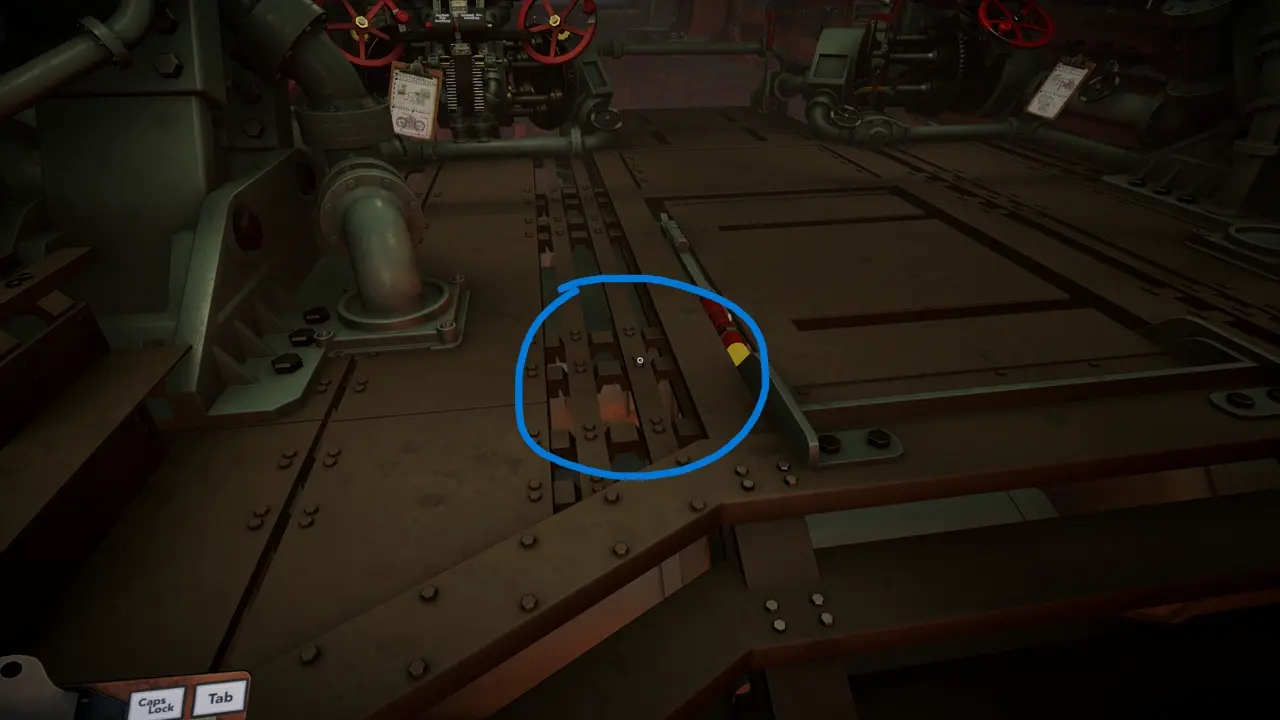
If I need to find the cat immediately, I open the cat customization section and then exit it again. After doing this, the cat should spawn next to the hatch downstairs.
How to Move the Cat Out of the Way
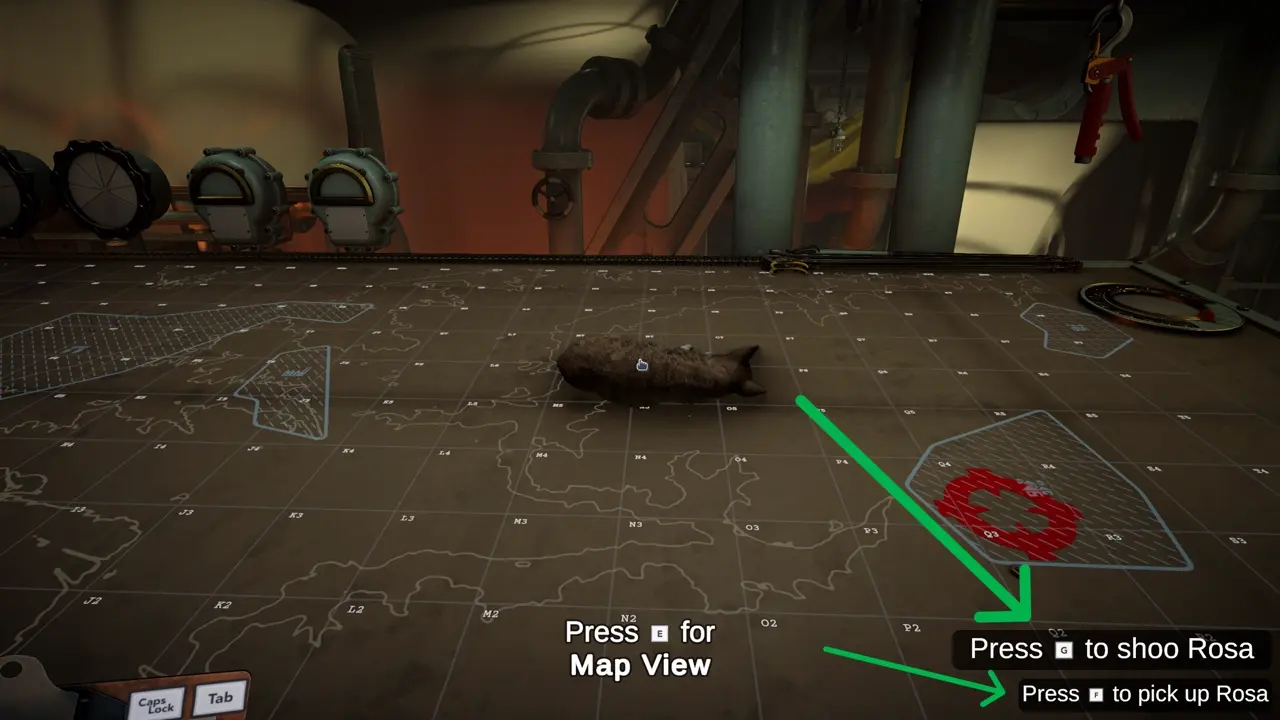
The cat can occasionally stand in an inconvenient location while I am operating inside the Iron Nest. When this happens, I have two ways to move it.
- G: I use this key to shoo the cat away.
- F: I use this key to pick up the cat and place it somewhere else.
Does the Cat Help With Artillery Calculations?
The cat does not physically assist me with trigonometry or any of the calculations required while operating the Iron Nest. Its assistance is emotional rather than mechanical, so I still have to handle the calculations myself.
It can still leave a memorable paw print on a shell, but this does not provide any practical advantage during operation.