In this guide, I’ll explain how to unlock the taxi driver job in My Winter Car, what to look out for, and the taxi and map locations.
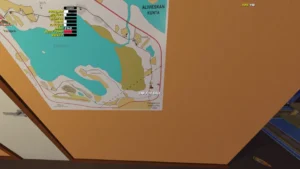
How to Become a Taxi Driver
In this guide, I explain how I unlock and complete the Taxi Job in My Summer Car. This job is calm, immersive, and perfect for earning steady money once I understand the system. I follow the steps carefully and use the taximeter correctly to avoid salary penalties.
How to Unlock the Taxi Job
To start the Taxi Job, I first need to unlock it properly. I follow these steps in order.
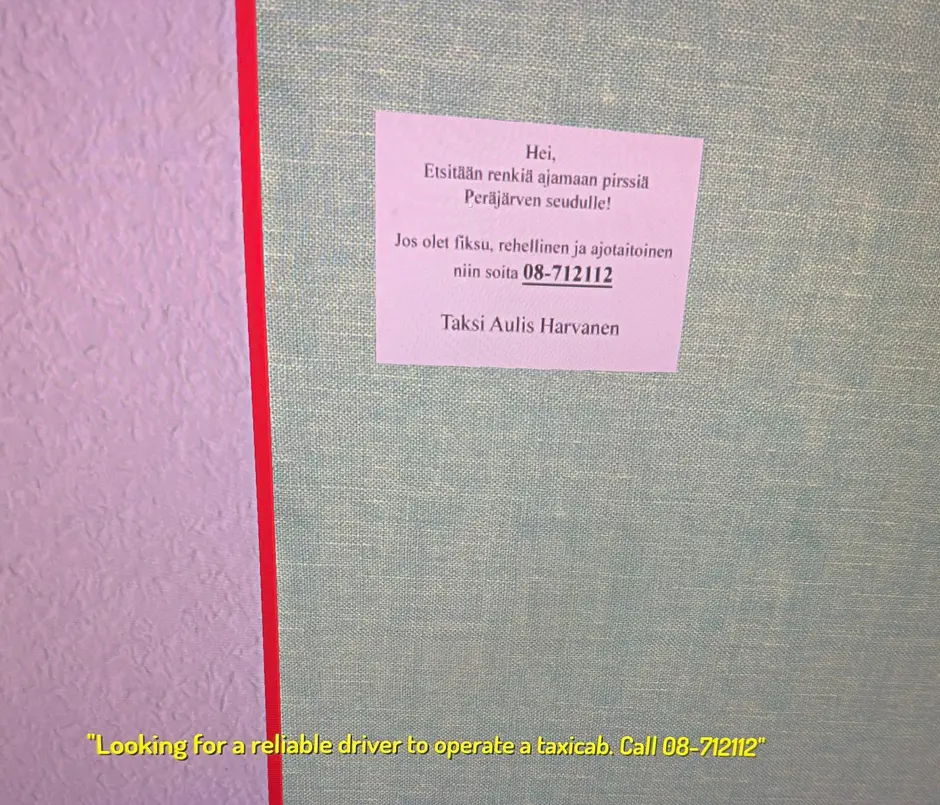
- I go to the job poster board and look for the Taxi Job poster.
- I call the phone number written on the poster.
- After making the call, I wait until the next day at exactly 12:00.
Meeting the Taxi Driver
At 12:00 the following day, I drive to the meeting location at PSK Parking. This meeting is required and cannot be skipped.
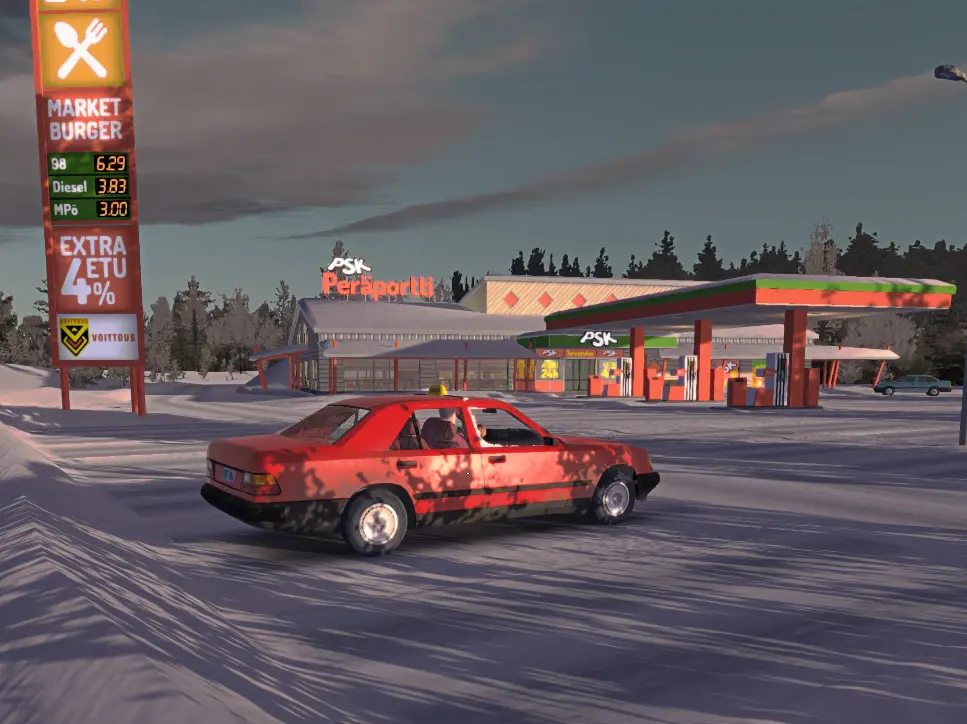
When I arrive, I meet the taxi driver. During this meeting, he explains how the taxi job works and gives me access to the taxi car. Without completing this meeting, I cannot start working as a taxi driver.
Taxi Car and Map Location
Once I receive the taxi car, I sit in the driver seat and look at the sun visor. There, I find a map showing customer addresses.
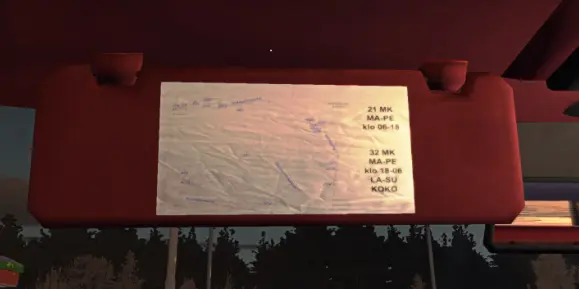
This map is very important. If I am not familiar with the My Summer Car map, it helps me plan routes more efficiently and saves time during jobs.
How the Taxi Job Works
Taxi Meter
The taxi is equipped with a taximeter that I must use correctly. It includes one turnable knob that works as a mode selector and one clickable button used to start, pause, or stop the meter.
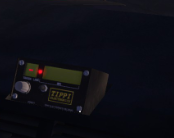
When I set the meter to the minus symbol and turn the red button on, I am officially on duty and able to receive customer calls.
Taximeter Modes Explained
Mode 1
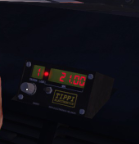
Mode 1 applies a base fee for weekdays during daytime hours. I use this mode when working during normal day hours on weekdays.
Mode 2
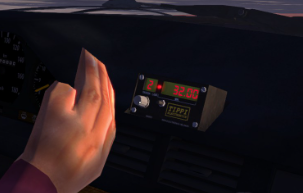
Mode 2 applies a base fee from 18:00 to 06:00 and also applies all day during weekends. I always check the time and day before selecting this mode.
Mode A
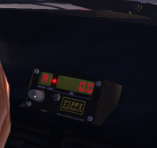
Mode A shows how many kilometers I have driven while the taximeter is active. This helps me track distance during jobs.
Mode B
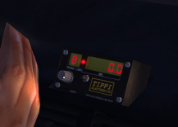
Mode B displays my gross income. This value resets automatically when my salary is paid.
Lotto

The game mentions that I can randomize myself a lottery line. The function is unclear and optional, so I do not rely on it for taxi work.
Receiving and Completing a Taxi Call
While I am on duty, my phone rings when a customer requests a taxi. I answer the call to receive the pickup address.
I drive to the specified location and, before moving, I set the taximeter to Mode 1 or Mode 2 depending on the time and day.
The taximeter uses different rates when the car is stationary and when I am driving. I can pause the taximeter at any time by pressing the clickable button if needed.
Payment and Receipt
When I arrive at the customer’s destination, I press the clickable button to stop the taximeter. I then transfer the displayed fee to the payment terminal, accept the payment, and print the receipt.
I make sure the payment amount matches the receipt exactly. If there is a mismatch, money is deducted from my salary, so accuracy is very important.